


Tintin Smith – Thumbnail Masterclass
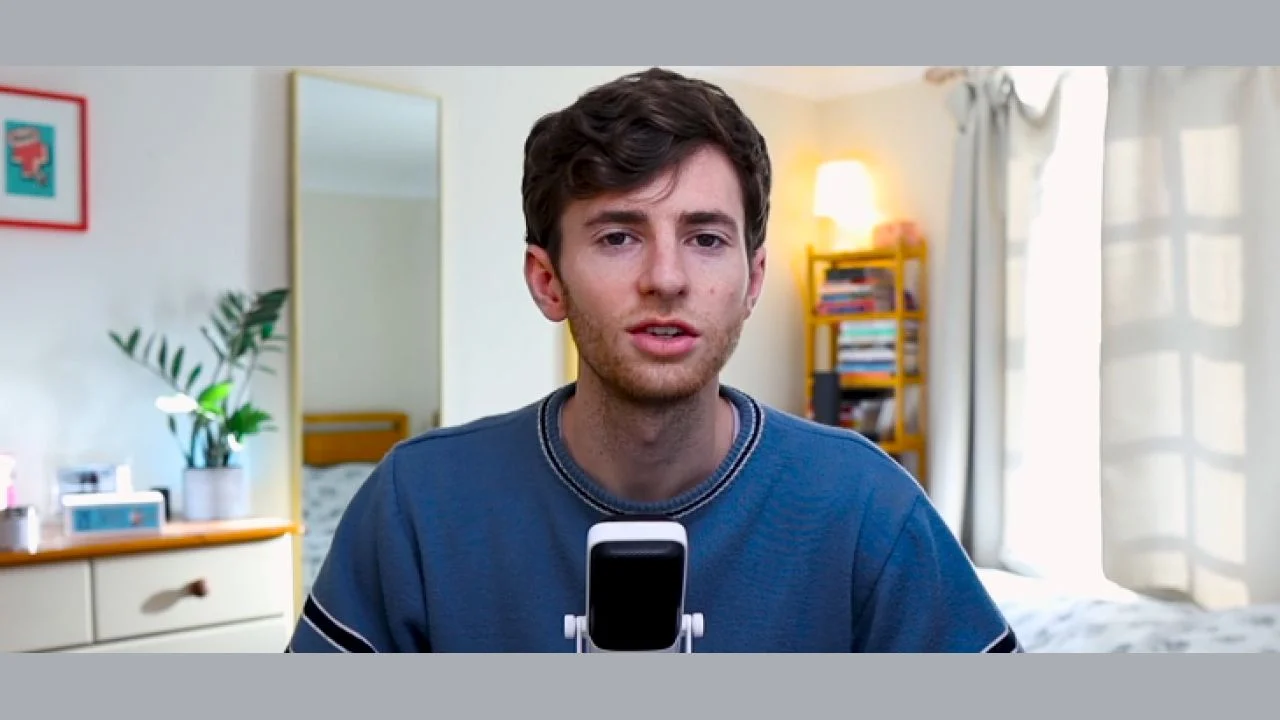
-
 Last Updated: 02-21-2026
-
 Duration: 5.0 hour(s), 18 video(s)
-
 Size: 1.4 GB
$25
Buy More, Save More!
2 Courses
10% OFF
3 Courses
15% OFF
5 Courses
30% OFF
Why Choose TSCourses?
-
 Learn online or download via Google Drive
-
 All course files are included
-
 Free course updates via email
-
 Seen it cheaper? We'll beat the price
Course Description
If you create educational videos on YouTube and want more viewers, Tintin Smith – Thumbnail Masterclass is built for you. This course teaches a clear, repeatable process for turning dull thumbnails into eye-catching images that get clicks. You don’t need Photoshop or design training. The lessons use simple tools like Canva and focus on what matters for educational creators: clarity, credibility, and curiosity. For a small investment, you get proven techniques that save time, increase click-through rates, and help your channel grow faster. At TSCourses, we’ve discounted this high-value course to just $25 so you can learn quickly and cheaply.
What Benefits You’ll Gain
After finishing this course you’ll be able to create thumbnails that consistently attract more clicks. You’ll learn how to balance visual elements so your thumbnails stand out on the YouTube homepage and watch pages. That leads to more views, higher audience retention, and faster subscriber growth. The course also covers testing and analytics so you can measure what works and scale your best-performing designs. If you hire designers, you’ll know how to brief them and evaluate results. For creators and business-minded learners, these skills convert directly to revenue: better thumbnails mean more traffic, more watch time, and more ad or course sales. At TSCourses we highlight these practical outcomes because we help learners who want fast, measurable returns from their training.
What Insite This Course
Tintin Smith’s Thumbnail Masterclass includes over four hours of focused video content that guides you from the fundamentals to advanced tactics. You’ll learn the AHQ framework (the psychological and visual triggers that drive clicks). The course breaks down thumbnail categories common in educational content and explains which style fits each video type. Practical, step-by-step lessons show how to design thumbnails using Canva and other accessible tools. You’ll also get modules on analytics and A/B testing so you can validate creative choices. The outsourcing section explains how to build reliable thumbnail workflows with freelancers or teammates. Finally, a bonus section adds templates, swipe files, and extra tips to accelerate your progress. All lessons emphasize speed, clarity, and real-world results for educational channels.
Why This Course Is Different
This course is designed specifically for educational YouTubers, not entertainment channels. Tintin avoids flashy examples from creators like MrBeast and instead focuses on designs that actually convert for explainer, study, and how-to videos. The approach is practical and non-technical. You won’t be pressed to learn complex software. Instead, the course shows how strong composition, faces, headlines, and color choices move the needle. Tintin’s methods are battle-tested: he grew his own channel and led thumbnail strategy at a top educational channel where he designed hundreds of thumbnails. The result is a concise, proven system that suits creators who value clarity, trustworthiness, and consistent growth over gimmicks.
Who This Course Is For
This course is ideal for educational creators, teachers, course creators, and knowledge entrepreneurs who publish on YouTube. It’s also valuable for marketers, SEO specialists, and small business owners who use YouTube to generate leads and sales. If you are a student, freelancer, or aspiring creator who wants to earn money online from video content, this course gives practical design skills and testing methods that increase your chance of success. No prior design experience is required. If you want to stop wasting time on ineffective thumbnails and start creating images that get clicks, this course is made for you.
About Tintin Smith
Tintin Smith is a creator and thumbnail strategist who grew his own educational YouTube channel and later joined one of the platform’s largest education channels as Head of YouTube. During his time leading that channel, he helped scale growth and revenue while designing hundreds of thumbnails. Tintin taught himself to design using Canva and developed a practical workflow that non-designers can follow. His experience working on millions-of-subscriber channels gives him a clear view of what works specifically for educational audiences. The course captures his step-by-step process, examples, and lessons learned from real-world thumbnail testing.
Course Modules
Below is the full curriculum, carefully structured to take you from basics to confident thumbnail creation. Follow along module-by-module to build skills and systems you can use immediately.
- 01 – Thumbnail Masterclass
- 02 – Thumbnail Fundamentals
- 03 – Thumbnail Categories
- 04 – Design Principles
- 05 – How to Make Great Thumbnails
- 06 – Thumbnail Tools
- 07 – Analytics & A/B Testing
- 08 – Outsourcing Your Thumbnails
- 09 – Final Thoughts
- 10 – BONUS SECTION
Each module includes actionable examples, templates you can reuse, and real tests you can run on your channel. The course emphasizes speed, so you can apply lessons in hours rather than weeks.
Frequently Asked Questions
Q: Do I need Photoshop to follow the course?
A: No. The course is designed for creators who prefer simple tools. Tintin shows step-by-step workflows using Canva and similar accessible tools.
Q: How long is the course?
A: The course contains over four hours of video content, split across the modules listed above. There are templates and bonus resources included.
Q: Can these techniques work for niches outside education?
A: Yes. While the course focuses on educational content, many design and testing principles transfer to other niches—especially any channel that benefits from clarity and credibility.
Q: Will this help me get more revenue?
A: Better thumbnails drive higher click-through rates, which lead to more views and watch time. More viewers make it easier to monetize via ads, products, courses, or affiliate offers.
Q: Is this course right for beginners?
A: Absolutely. The lessons assume no design background and are built for creators who want practical, repeatable systems.
Ready to upgrade your thumbnails and grow your channel? Enroll in Tintin Smith – Thumbnail Masterclass today at TSCourses for the special price of $25. You’ll get instant access, fast downloads, Google Drive study options, and our quick support if you need help. Click to enroll now and start making thumbnails that get clicks, views, and real results.
More courses you might like
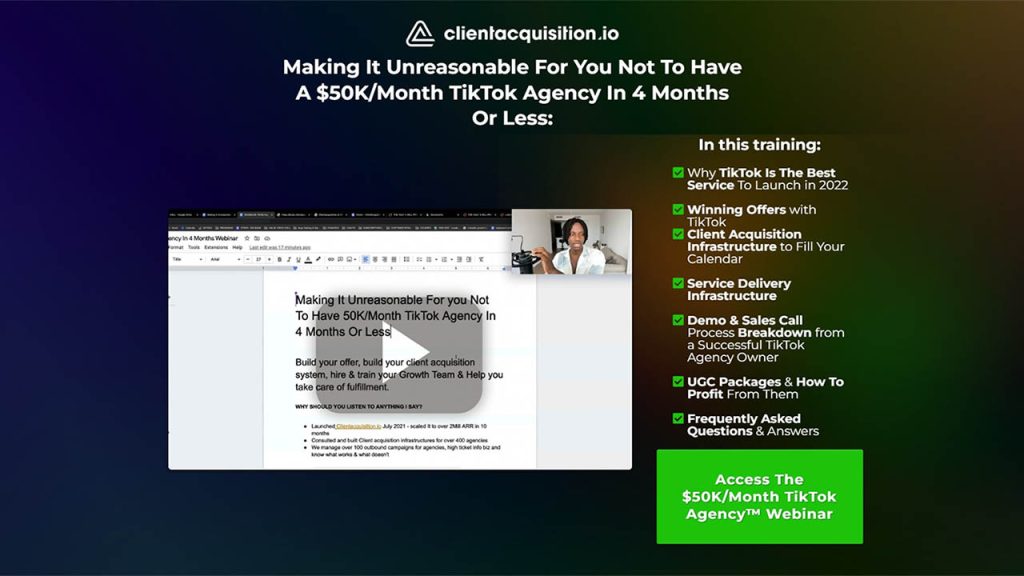
Serge Gatari – $50K/Month TikTok Agency Webinar
WHO IS THIS FOR? Perhaps you’re simply beginning out and Want/Wish to begin with a...
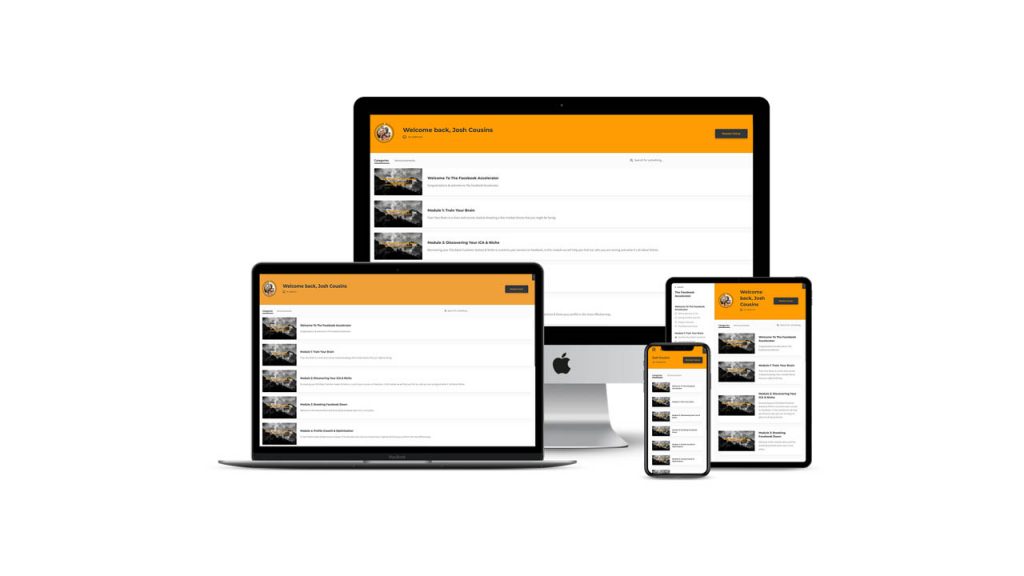
Niki & Josh – The Facebook Accelerator
If you’ve ever wondered how some people seem to turn simple Facebook posts into real...
Joe Robert – Print On Demand Accelerator
If you’ve ever dreamed of building a lean, profitable print-on-demand brand without getting lost in...
YouTube Mastery 2019 – Learn How To Make $60,000
If you are serious about turning YouTube into a real income stream and not just...